Last Updated on October 24, 2026 by Umar Farooq
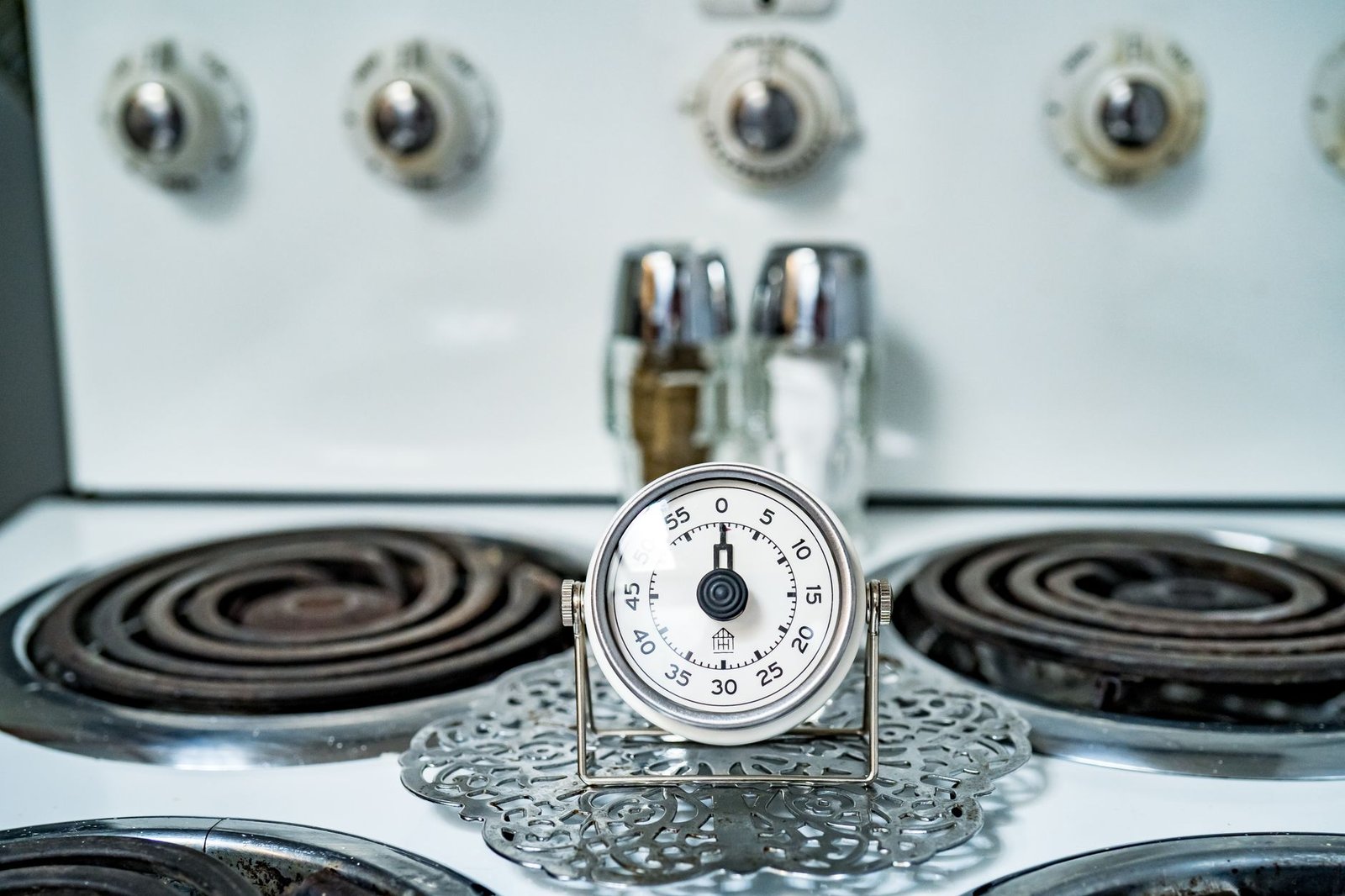
The dehumidifier timer function is a countdown that either switches the unit off after a set number of hours or switches it on after a delay, and on the manuals I opened it runs once and then has to be set again. It is not a weekly diary, whatever the little clock symbol suggests.
That surprises people who expect “7am to 9am, every day”. If you want that, you are shopping for a plug-in timer, not reading a manual. If you want to know what the button on your machine actually does, read on.
What a dehumidifier timer function actually does
There are two jobs a built-in timer can do, and models differ on which they offer.
- Delay off (auto stop). The unit is running; you tell it to stop in so many hours.
- Delay on (auto start). The unit is off; you tell it to start in so many hours.
Three sources I opened show how much the details vary:
| Source | What the timer does | Range |
|---|---|---|
| Insignia 20/35/50-pint user guide | Separate Auto Start and Auto Stop timers, which can be set together | Steps of 0.5 h up to 10 h, then 1 h steps up to 24 h |
| LG help article | Automatic shut-off timer | 1-hour steps up to 12 h |
| A Lowe’s-hosted use and care guide | Delay before turning off, or (with the unit off) a delay before turning on | 30 minutes to 24 hours |
So “1 to 24 hours” is a fair summary of the manuals, but your own model might stop at 12. The Insignia guide says plainly that its timer settings are “one-time only”, and I would assume the same of any model until the manual says otherwise.
Setting it: one example button sequence
This is an example, not a universal recipe. Button names and order change between brands, and some Wi-Fi models set the timer in an app instead.
Here is the Insignia guide’s sequence for a delayed stop:
- Press Timer until the Off indicator lights.
- Press and hold the up or down arrow to choose the hours before it switches off.
- Wait for the display to return to normal. That is the setting saved.
For a delayed start, the same guide has you press Timer until the On indicator lights, then choose the hours before it switches on. The LG article empties the tank first: it says to empty the drain bucket before setting the timer, because a full bucket stops dehumidification anyway.
Do not use the plug as a timer. The Insignia guide’s safety list says not to operate or stop the appliance by switching the power supply on or off, so use the unit’s own controls to start and stop it.
Three schedules that make sense
I will keep these qualitative. I have not measured any of them, and your room, season and machine will move the numbers.
Running while you are out. Press the delay-off timer for a little longer than you expect to be away, shut the internal doors if you are drying one room, and leave. You return to a drier room and a machine that has not run for the rest of the evening. This is the most useful use of the function in my opinion, because it is the one case where you do not want to be around to switch it off.
Running at night. The timer lets you run a noisy machine for the first part of the night and have it stop before the early hours, or start it later so it works as you wake. Whether that is wise depends on the machine and the room, and leaving one on overnight has its own guide. If the bedroom is the problem, a timer is a way of limiting noise, not a way of drying the room better.
Running in a cheaper-tariff window. If your electricity is cheaper at certain hours, a delay-on timer can push the start into that window. A one-shot countdown only does this once per setting, so it is fiddly for a daily routine. I am not going to quote tariffs or savings here, because they depend on your supplier and I would be making the numbers up.
Timer, humidistat and continuous mode: who is in charge?
The timer decides when the unit is allowed to run. The humidistat decides whether it needs to while it is allowed to. Treat them as two separate controls. The humidity target is covered elsewhere, so I will not repeat it, and there is a full explanation in what a humidistat is.
Here is what I could and could not confirm. The Insignia guide lists a Cont. button for continuous dehumidifying and a separate 35-85% target in 5% steps, but none of the manuals I opened says exactly how the timer, the continuous setting and the target combine. My reading, and it is a reading and not a quotation, is that during the timed period the unit behaves as it normally would, so a low target gives a machine that keeps running and a high one gives a machine that cycles. Check by watching it once rather than trusting me.
One consequence I am happy to be firm about: a timer cannot make a machine remove water faster. Setting 12 hours on a room already at your target gives you 12 hours of a switched-on machine doing very little. How long a dehumidifier should run is a question for the humidity reading, not the clock.
What cancels or resets the timer
From the manuals I opened:
- Switching the unit on or off by hand. Insignia says turning the unit on or off at any time, or setting the timer to 0.0, cancels it.
- Cancelling in the menu. LG says to keep pressing the Timer button until the Timer light goes off.
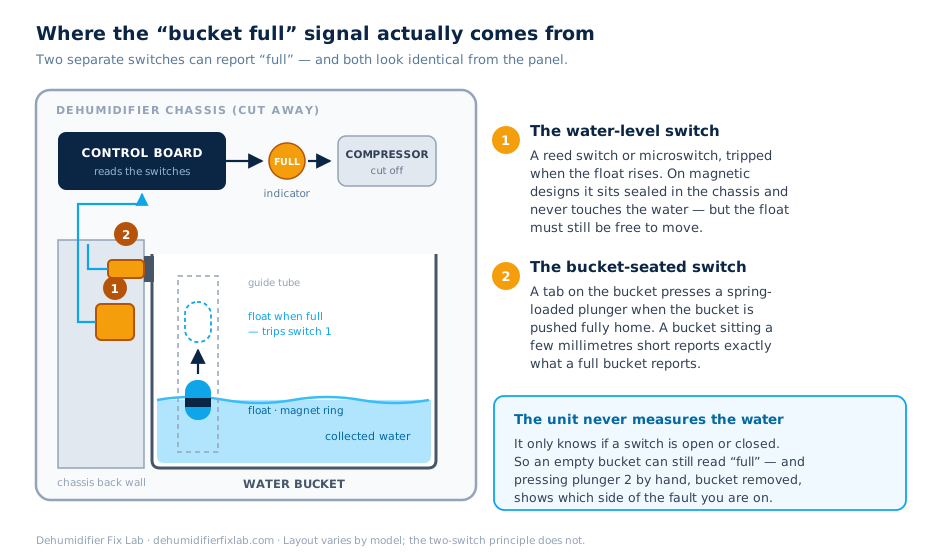
- A full tank. LG says that if the bucket fills during the timer, the Bucket Full light comes on and dehumidification stops. Insignia says a P2 display, shown when the tank is full or not seated properly, cancels the timer.
What none of those pages says is what happens after a power cut or unplugging. I did not find it in any manual I opened, so I will not claim it. The safe habit is to assume a countdown may not survive and to look at the unit when power returns.
Why a timer will not rescue a full tank in a very damp room
This is the point I feel most strongly about. In a very damp room the tank fills quickly, and the manuals above all say a full tank stops the machine. A timer set for ten hours in a room that fills the tank in three hours is a machine that is off for seven of them.
The cure is a drain hose running to a drain, so the unit never stops for a full bucket, and then the timer only has to decide the hours. A timer can limit running, but it cannot make the machine empty itself. Check that your model has a continuous drain outlet; the Insignia guide describes one.
Treat the timer as a start-stop switch, not a controller
My conclusion: use the dehumidifier timer function to start or stop the machine when you are not there, let the humidistat decide how hard it works, and fit a drain hose if the tank keeps ending the run for you. If you need a repeating daily schedule, the built-in timers described above will not give you one, and a plug-in timer is a different piece of kit with its own rules.
FAQ
How do I set the timer on my dehumidifier?
Press the Timer button, use the arrows to choose the number of hours and wait for the display to save it. In the Insignia guide you press Timer until the On or Off light shows first. Your button names and sequence will differ, so use the manual for your model.
Does a dehumidifier timer turn the unit on or only off?
It depends on the model. The Insignia guide has both Auto Start and Auto Stop, while the LG help page describes only an automatic shut-off. A Lowe’s-hosted guide describes both a delayed stop and, with the unit off, a delayed start.
How long can you set a dehumidifier timer for?
The manuals I opened give 12 hours (LG), 24 hours (Insignia, with 30-minute steps up to 10 hours) and 30 minutes to 24 hours (the Lowe’s-hosted guide). Check yours, because some stop earlier.
Why does my dehumidifier timer keep cancelling?
Common causes from the manuals are switching the unit on or off by hand, setting the time to zero, or a full or badly seated tank. Insignia shows P2 when the tank is full or not in position and cancels the timer.
Is it better to use the timer or leave a dehumidifier on?
Use the timer for when the machine may run and the humidity setting for how much it works. Leaving it on a sensible target usually means it only runs when there is moisture to remove.